
◈
Roof & module layouts
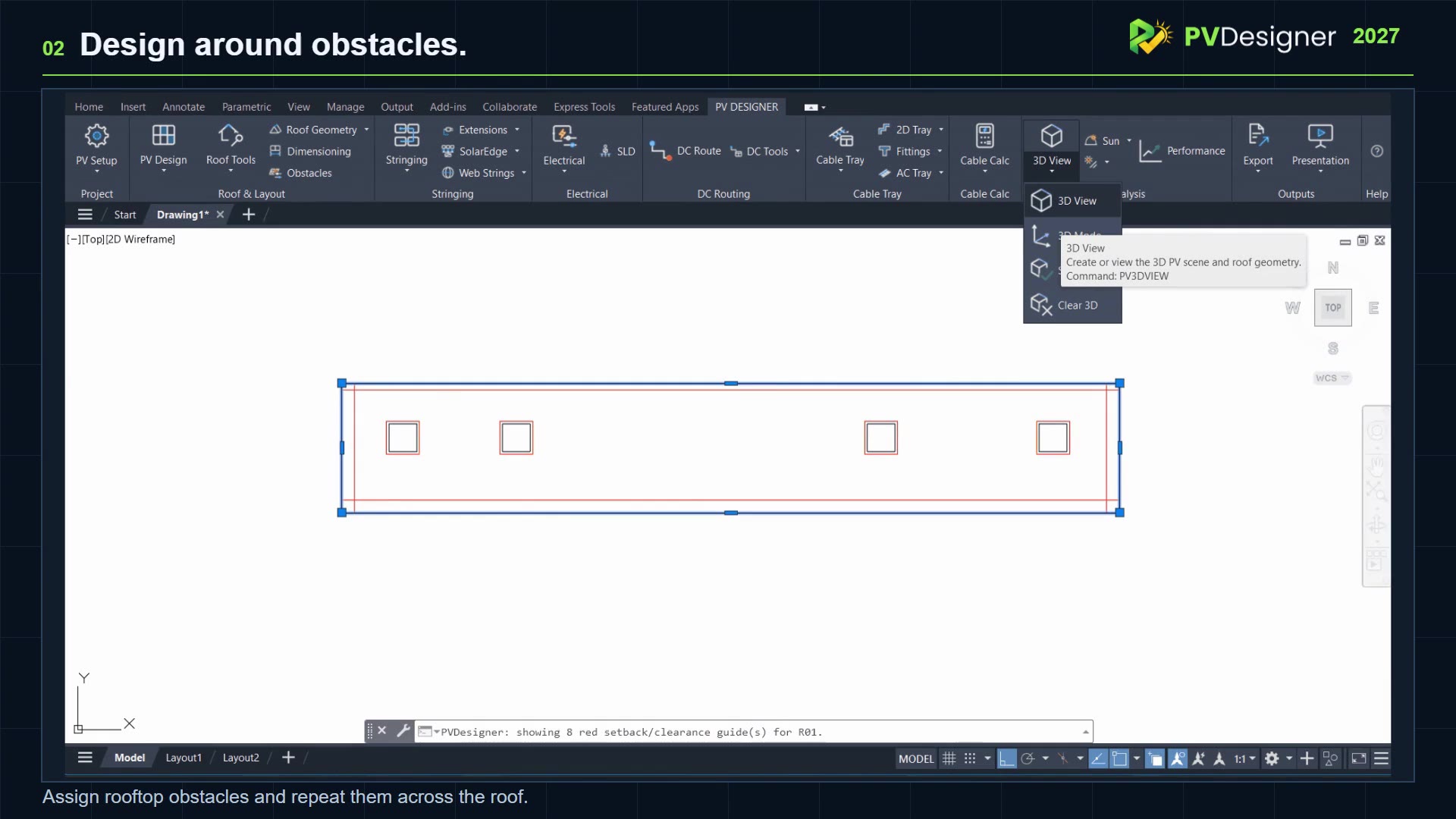
Plan roof areas, place PV modules and account for obstacles and orientations.
Roof-mounted solar design · AutoCAD 2027
Bring rooftop layouts, module placement, electrical stringing, cable routing and engineering calculations into a connected AutoCAD workflow.
An integrated workflow
PVDesigner brings together the CAD tasks that would otherwise require repetitive manual drafting.
Plan roof areas, place PV modules and account for obstacles and orientations.
Allocate inverters, develop MPPT strings and document circuit connectivity.
Design cable pathways, tray sections and fittings within the drawing.
Review current-carrying capacity and voltage drop with calculation summaries.
Visualise roof and module geometry and analyse solar shading.
Support engineering documentation with exported data and presentation views.
Watch the workflow
Explore a guided 2-minute-25-second product showcase. For step-by-step instructions, visit the existing Help Centre.
Private beta
Try PVDesigner on your AutoCAD 2027 system. New 15-day trials are subject to registration approval and use online licence validation.